
VORA SLIDE (@voraslide)
Start VORA SLIDE with @voraslide. Learn connected AI, Smart mode, generation, revisions, and original preservation, attachments, standalone use, and background Auto mode. Installed apps support offline editing; AI and VORA export require free signup and a VORA web launch.
VORA Chat and Tool Demo
VORA SLIDE (@voraslide) — workflow demo
Start VORA SLIDE with @voraslide. Learn connected AI, Smart mode, generation, revisions, and original preservation, attachments, standalone use, and background Auto mode. Installed apps support offline editing; AI and VORA export require free signup and a VORA web launch.Choose a real request from this guide and preview the flow from input to result.
This demo stays in your browser; it sends, saves, and charges nothing.
Send a request to see the processing flow and output format for this tool.
@voraslide : How competitive is Tesla in its industry? Create six slides with evidence and competitor comparisons.
- 1Check request scope
- 2Create draft or session
- 3Prepare dedicated workspace
- 4Return new-tab URL
VORA chat input@voraslide : How competitive is Tesla in its industry? Create six slides with evidence and competitor comparisons.
https://guide.vora.im/en/tools/ppt-generation/#workspace-demoOpen in a new tab ↗ ⓘ AI features and “Export to VORA” are available only after signing up for the free VORA service and launching the tool’s web version from VORA while connected to the internet. These features are unavailable in downloaded apps or a directly opened standalone web version. An actual editing screen in the Korean UI.
Live results vary with the source material, request, and time of use.
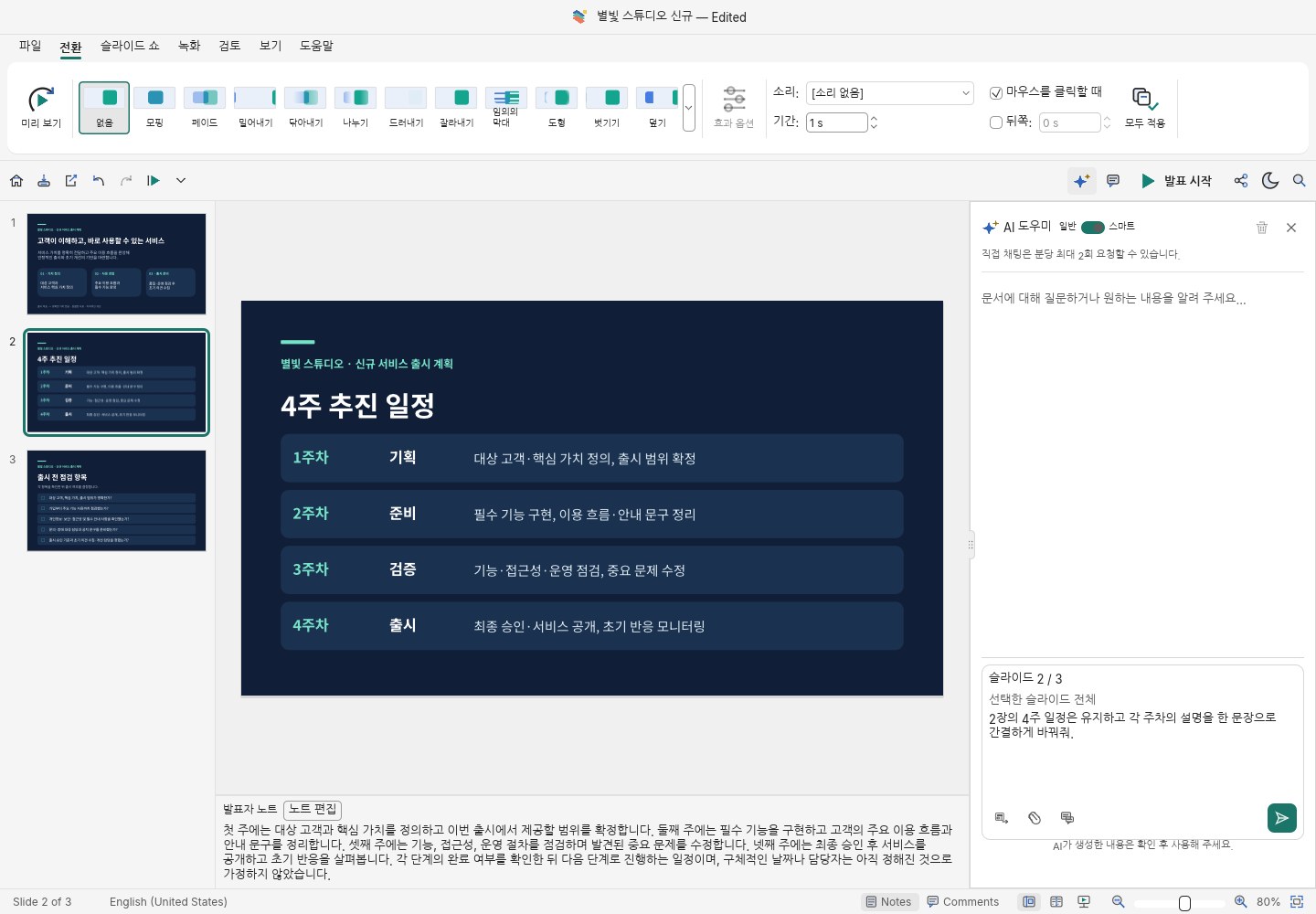
Getting started with VORA SLIDE
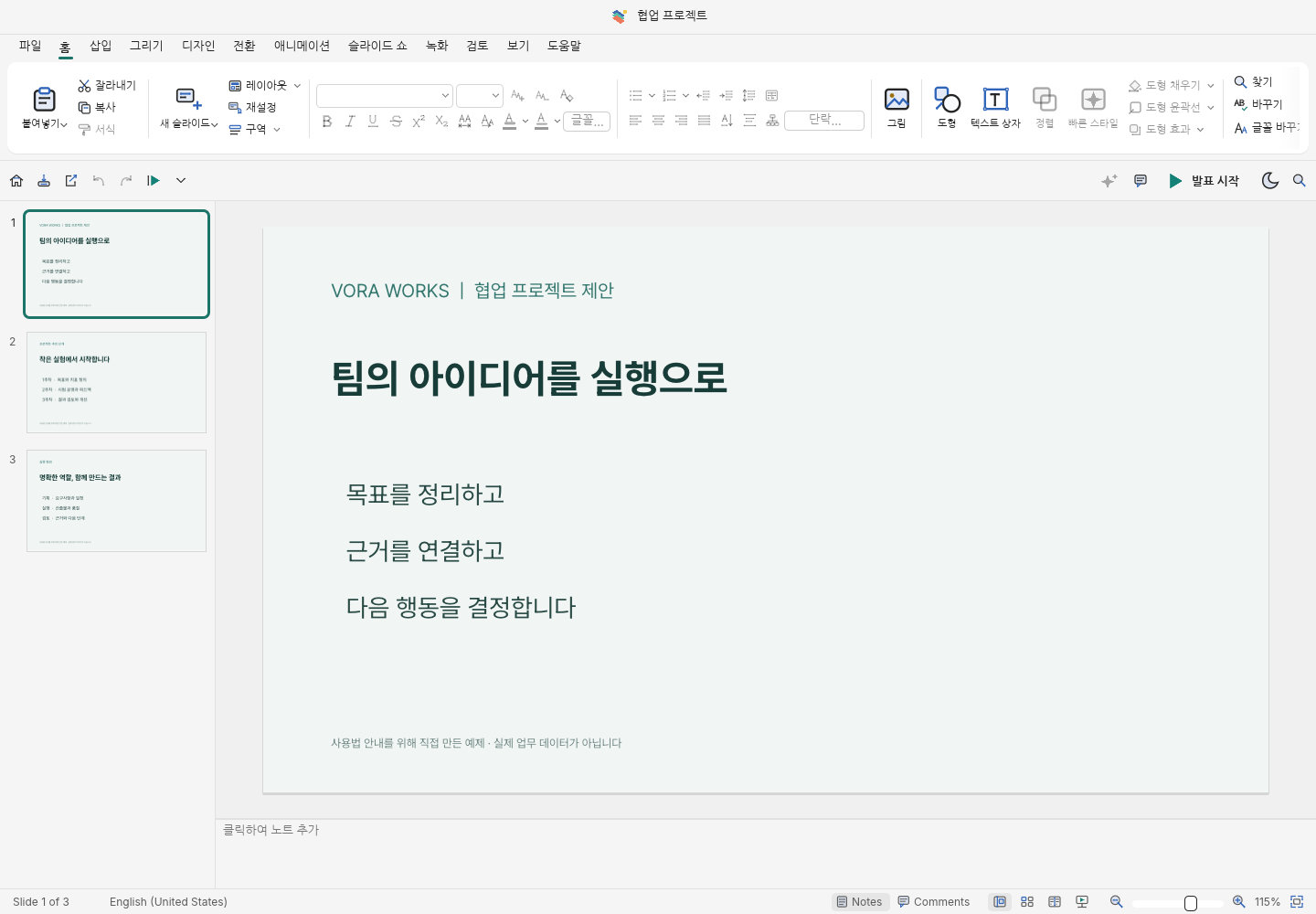
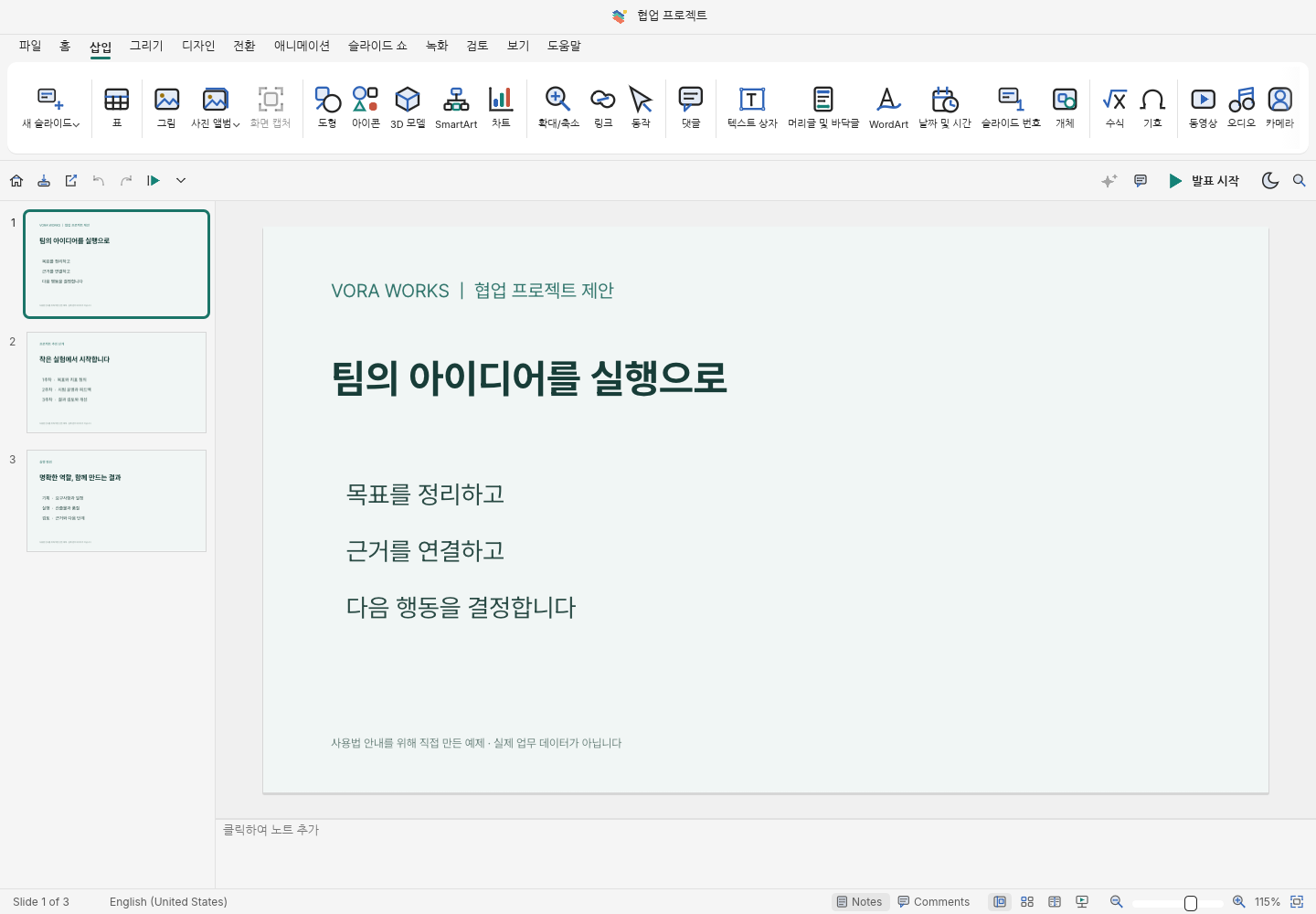
A presentation editor for working with slides, text, tables, charts, and images, then presenting your deck.
Download and install the app for your OS (macOS, Windows, or Linux) from VORA WORKS to edit documents and save locally without an internet connection. Check the download page for each product’s release and download availability.
Download apps for your OS · VORA WORKS
Sign up for the free VORA service
Start a blank document or open a file from the File menu. Starting from VORA chat can carry your request and selected references into an AI-enabled session.
Auto mode: background generation
Send @voraslide with your topic or attachment and ask for background generation. This delegates creation and PPTX saving without walking through the editor.
Background results are saved on VORA’s AI Creations page. An acceptance notice is different from completion; open the saved file to review its content and layout.
Standard editing, template creation, and Smart editing
To use connected AI, sign up for the free VORA service and launch the tool’s web version from VORA chat. Open the returned editor link and check that the AI assistant is enabled. Offline editing in an installed app, standalone web editing, Smart mode inside the editor, and background Auto mode are distinct workflows.
- Launch @voraslide from VORA and choose a blank Smart presentation on Home. A blank template-based Smart presentation is a separate starting path that first requires a standard template.
- Enter the topic, audience, key points, and tone, then check the language and slide count. Attach a reference document when needed. Free mode lets AI design without a template; selecting a Smart template provides a design reference.
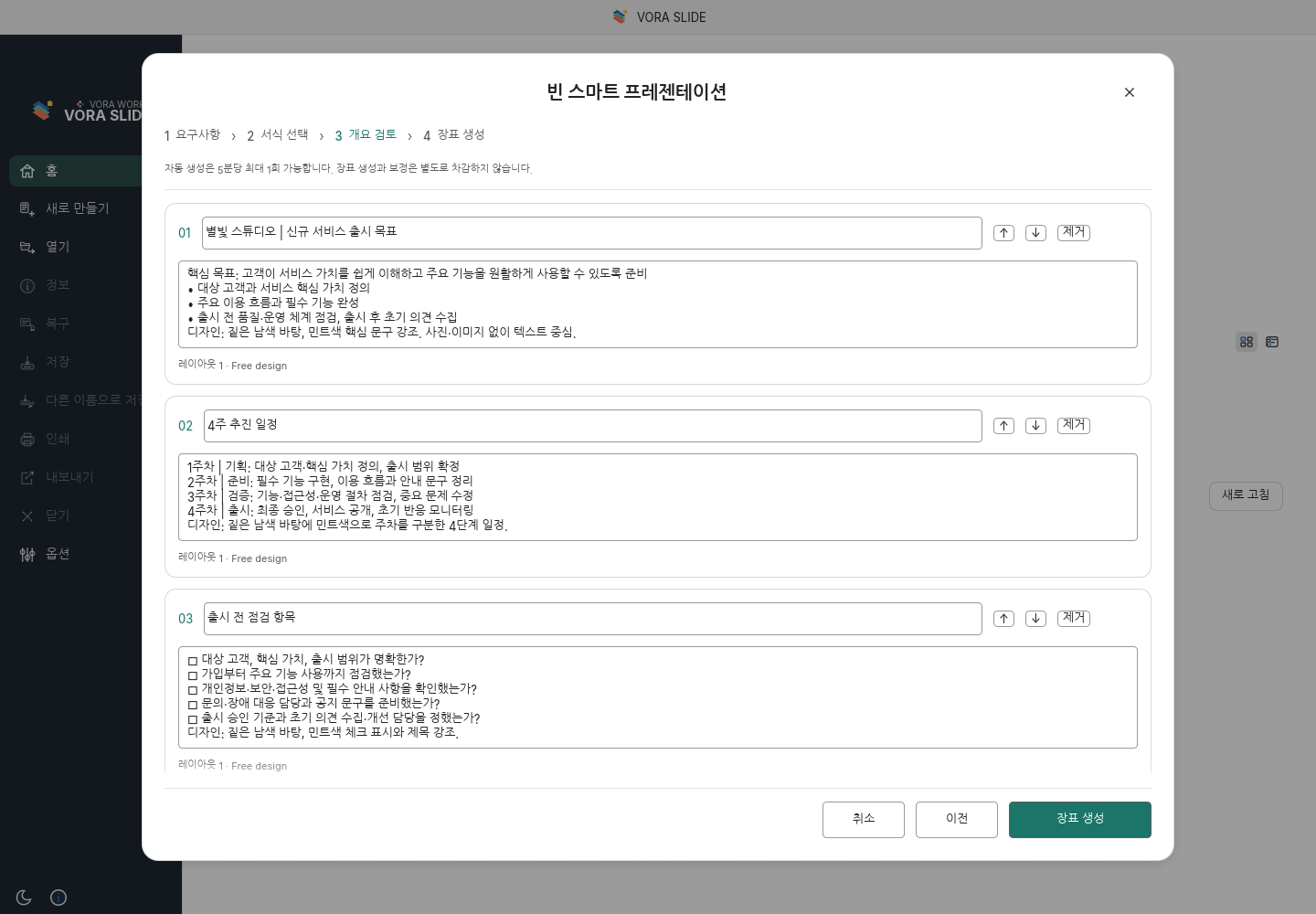
- Generate the outline and review each slide’s title and body. Revise the content, reorder slides, or remove unwanted ones before generating the slides. The real screen below shows the review of a three-slide outline before generation.
After generation, choose a slide and specify the scope in the AI panel: “Keep the dates on slide 2, but shorten its explanations.” Distinguish text revisions from restructuring images, tables, or objects, and inspect the result and other slides after applying changes. During generation, use the stage display and slide previews; after interruption or failure, inspect any retained draft before continuing.
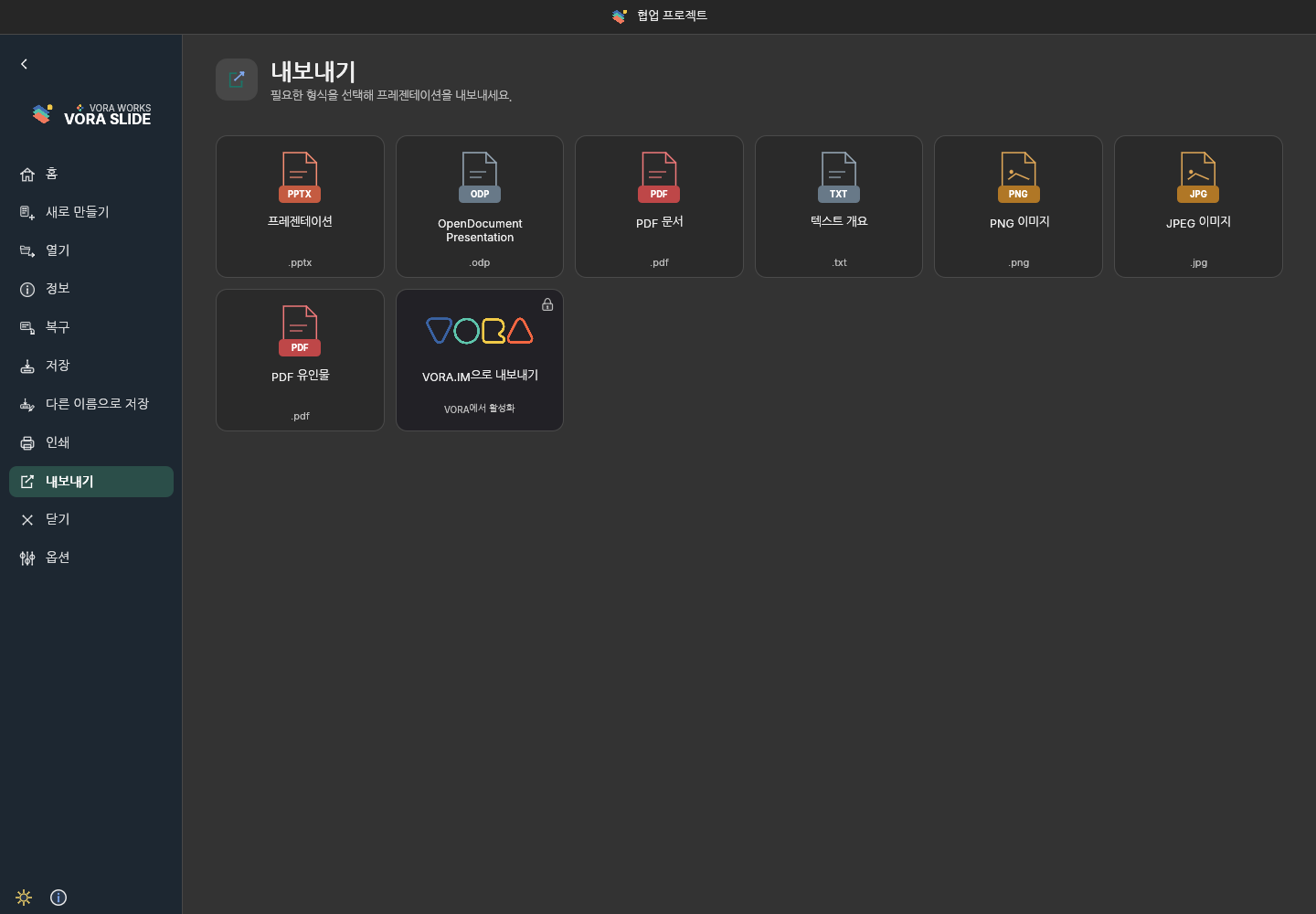
Save a Smart presentation as .voras to continue with its document and conversation state. Choose PPTX, PDF, or images from File → Export for your intended use. PPTX is an editable copy for other presentation apps and does not include the dedicated .voras conversation history. Run Export to VORA separately and check the registered result on AI Creations.
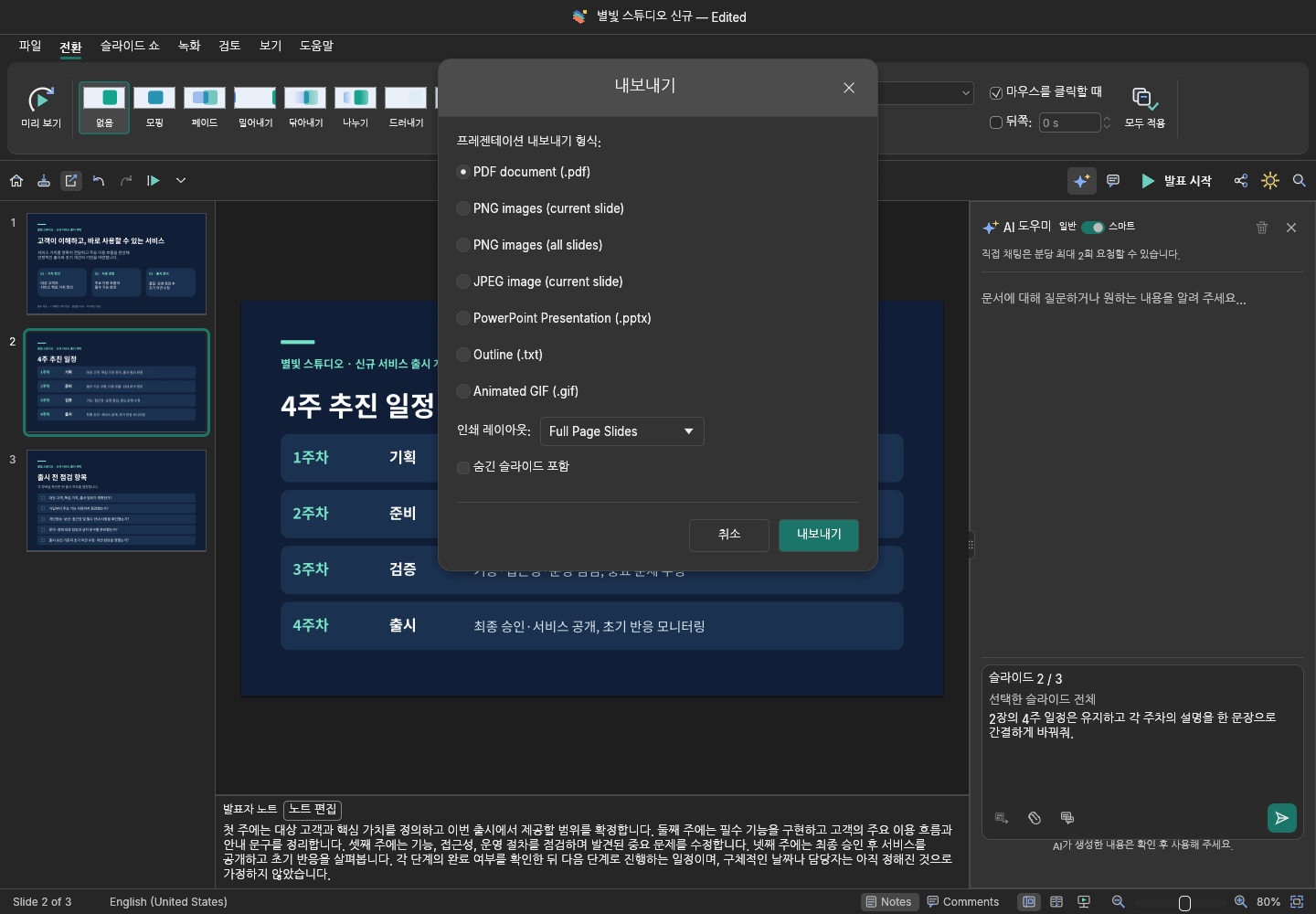
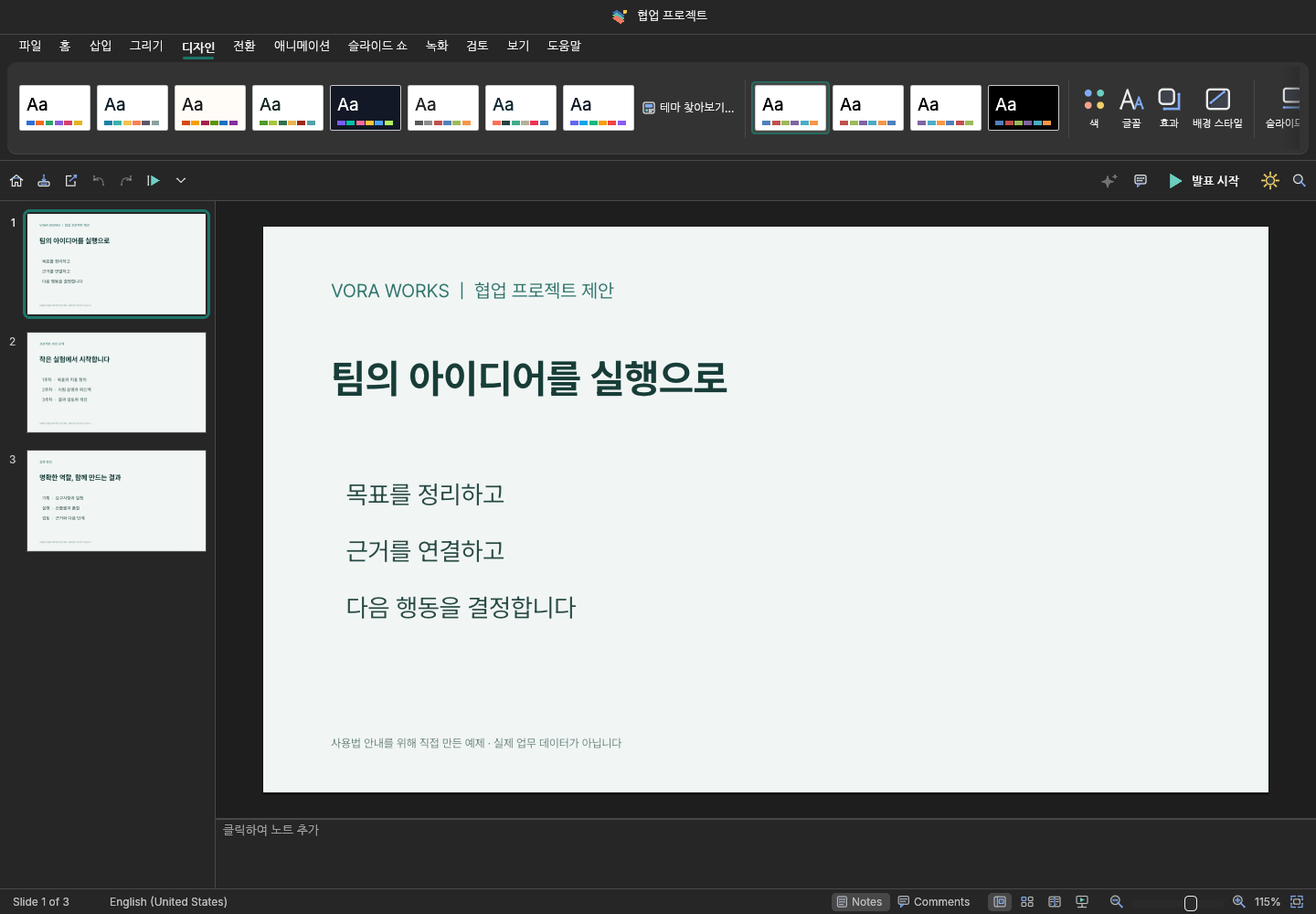
Standalone editing in five real screenshots
A recommended path to completion
- Define the goal, audience, and presentation time, then select evidence.
- Choose a blank deck, existing file, or template and prepare the outline.
- Edit content, tables, charts, and images, then align fonts, spacing, and margins.
- Review notes and rehearse, then save PPTX, PDF, and the needed working original.
Requests using topics, attachments, and conversation
- @voraslide : How competitive is Tesla in its industry? Create six slides with evidence and competitor comparisons. Generate it in the background.
- @voraslide : Use the attached facts and figures to prepare a summary, comparison, and next actions in the background.
- @voraslide : Use the comparison table and conclusion above to create an English deliverable in the background. Label unverified information.
Acceptance, completion, and AI Creations
| Status | What to check |
|---|---|
| Accepted | The task has been registered; generation and saving are not yet complete. |
| Processing | Wait for completion. Repeated submissions may create separate jobs. |
| Completed | Open the PPTX file saved on the AI Creations page and check its name, contents, and download. |
| Failed or cancelled | Read the error. An acceptance card alone is not proof that a file was saved. |
Writing a useful request
State what to create, who it is for, and its format and length. Identify values, tables, or terminology to keep, the scope to change, and how to handle missing evidence.
Upload reusable references to the AI Knowledge Base and select the materials for this request.
Review after automatic generation
- Compare figures, names, dates, and sources with the originals.
- Check clipping, overlap, table wrapping, formulas, and fonts.
- Refine the result in the editor and save a final copy.